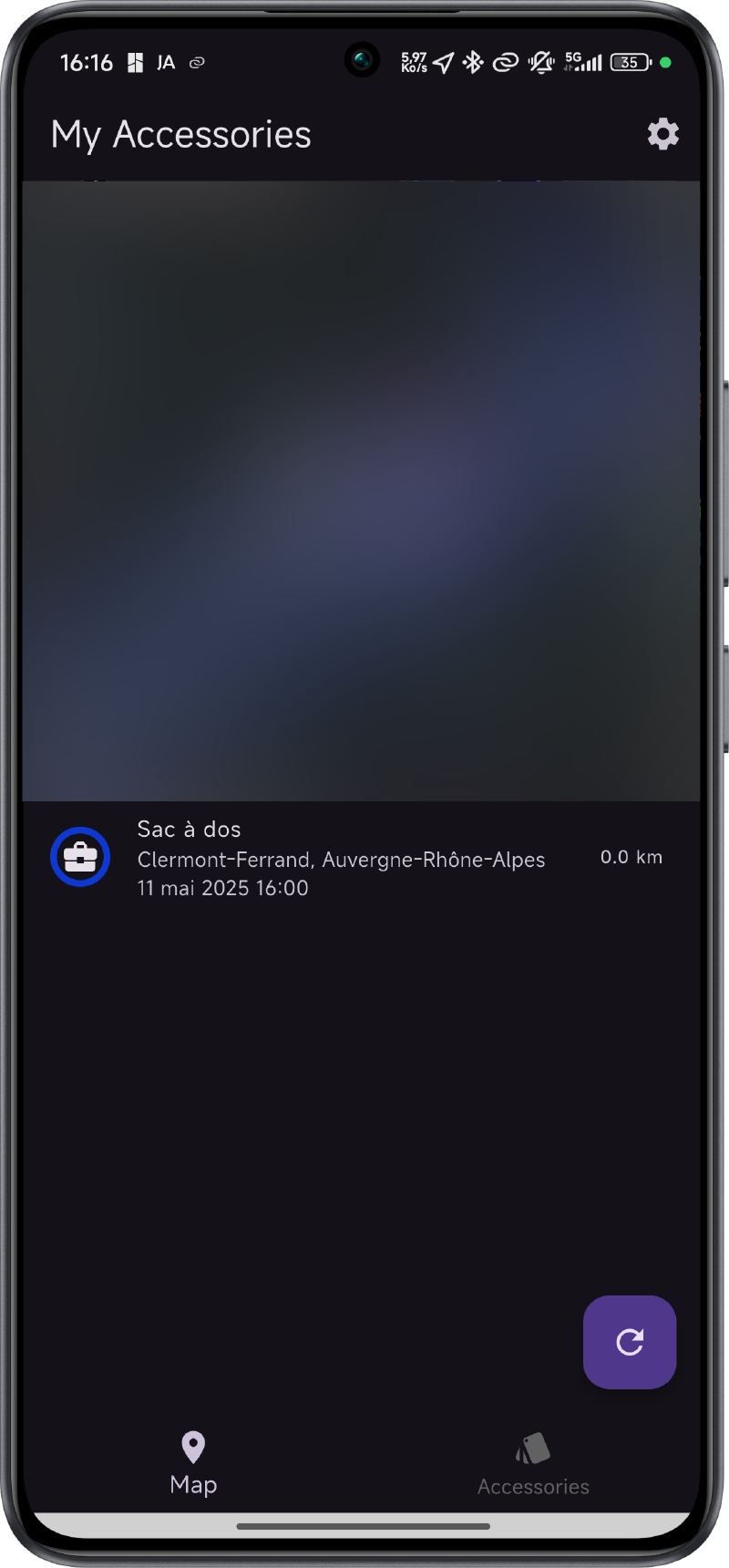
You know AirTags, those little Bluetooth trackers from Apple that help you find lost items using Apple’s Find My network. Backpack, bike, keychain, camera bag… it’s handy. However, these trackers are relatively expensive (€35 each) and are not compatible with Android.
OpenHaystack #
OpenHaystack is an open-source project that allows you to create Bluetooth Low Energy (BLE) trackers compatible with Apple’s Find My network using ESP32.
This project requires an Apple device to work, however it’s possible to bypass this requirement by creating a Macless Haystack server.
How does it work? #
The principle is to create a BLE tracker that broadcasts its existence to Apple’s Find My network. This data is then retrieved by a server that decrypts and stores it in a database. You can then view your tracker’s position on a map.
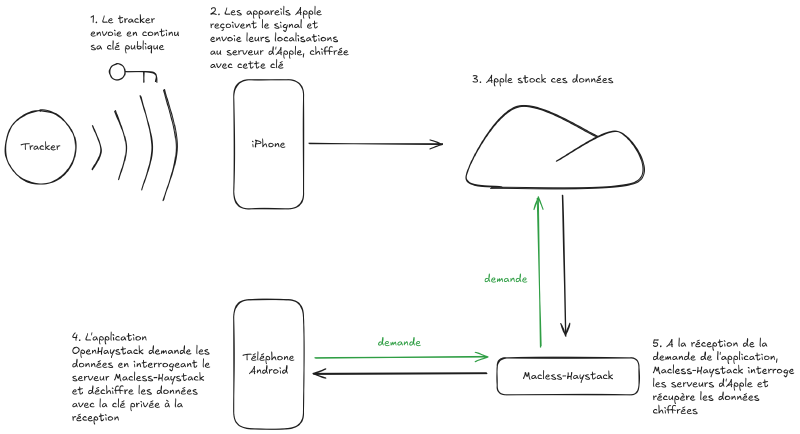
Since the data is end-to-end encrypted, it’s impossible to know where your tracker is without the decryption key on the phone.
Setup #
Follow the installation guide from the Macless Haystack GitHub repository.
Note about AppleID connection #
If you don’t own an Apple device, it’s likely that Apple will block your account when connecting to the server. Apple has a “score” system for their accounts, which means that an account with a “low” score won’t be able to connect to the server.
Apple doesn’t provide details about this score, so it’s difficult to know how to improve it.
Nevertheless, here are some potential solutions:
- Temporarily connect an Apple device to your account (or a macOS VM)
- Retrieve authentication data by logging in through Apple’s iCloud service.
- Try creating a new account.
Adding the tracker to the application #
Open the OpenHaystack application on your phone or online and connect to your server. Import the JSON file generated when creating the key pair. You can customize the name and icon of your tracker in the application.
You should see the tracker appear on the application’s map after some time. (It can sometimes take several hours to appear on the map, especially if you don’t have any Apple devices nearby).