

You just bought a new Android smartphone, you turn it on for the first time and you’re greeted by a multitude of pre-installed apps cluttering your home screen? Many manufacturers, like Xiaomi, Samsung, or Huawei, pre-install apps that aren’t always useful and can even slow down your device.
Fortunately, there’s a simple and effective method to get rid of these unwanted apps using ADB (Android Debug Bridge).
Debloat Directly on the Phone with Canta #
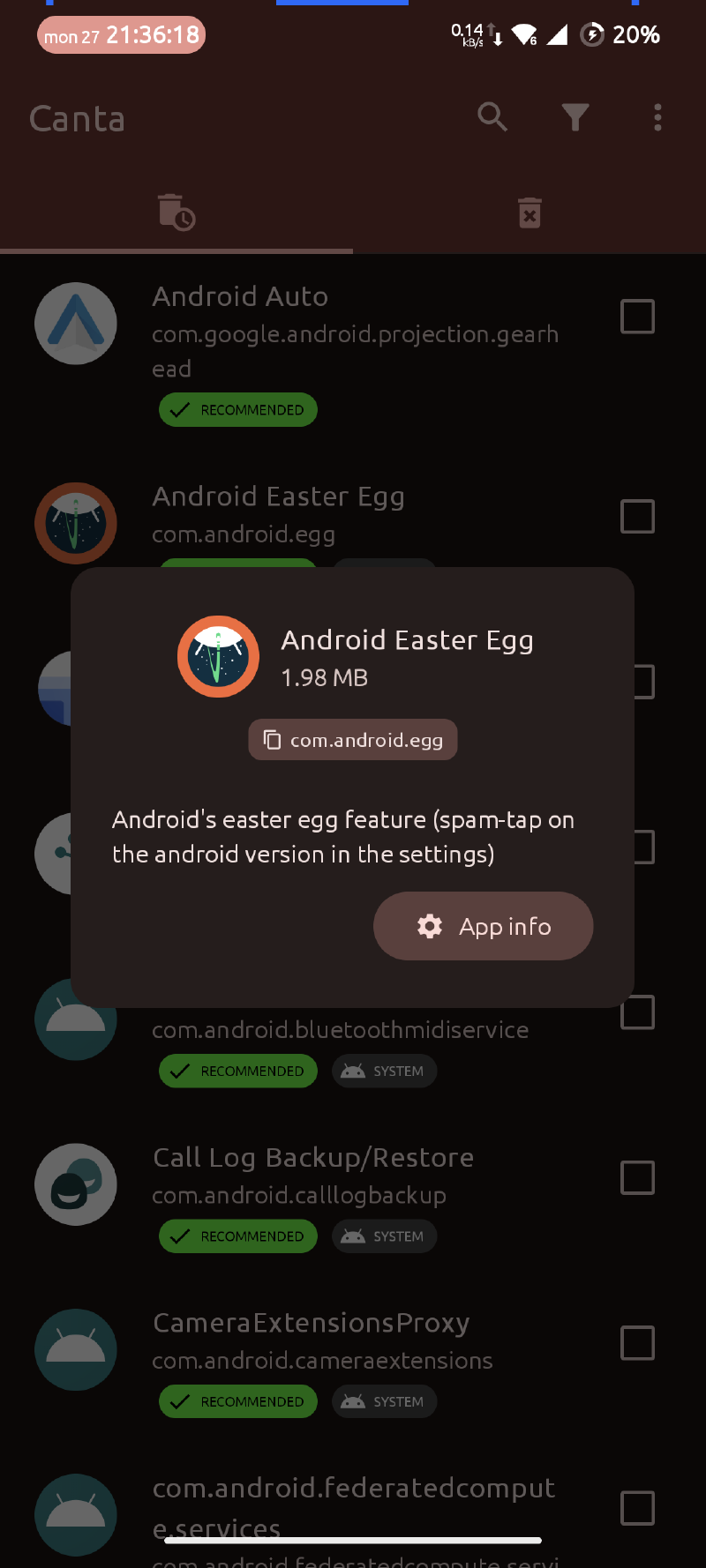
Canta is an Android application that allows you to easily uninstall pre-installed apps on your device without needing a computer. You’ll need to enable developer mode and wireless debugging (Android 11+) on your device.
- Download and install Shizuku, this app allows Canta to obtain the necessary permissions to uninstall system apps.
- Follow the instructions in the app to enable Shizuku via Wireless debugging.
- Download and install Canta from F-Droid.
- Open Canta and grant the requested permissions.
- Browse the list of installed apps and select the ones you want to uninstall.
Debloat via PC with UAD-NG #
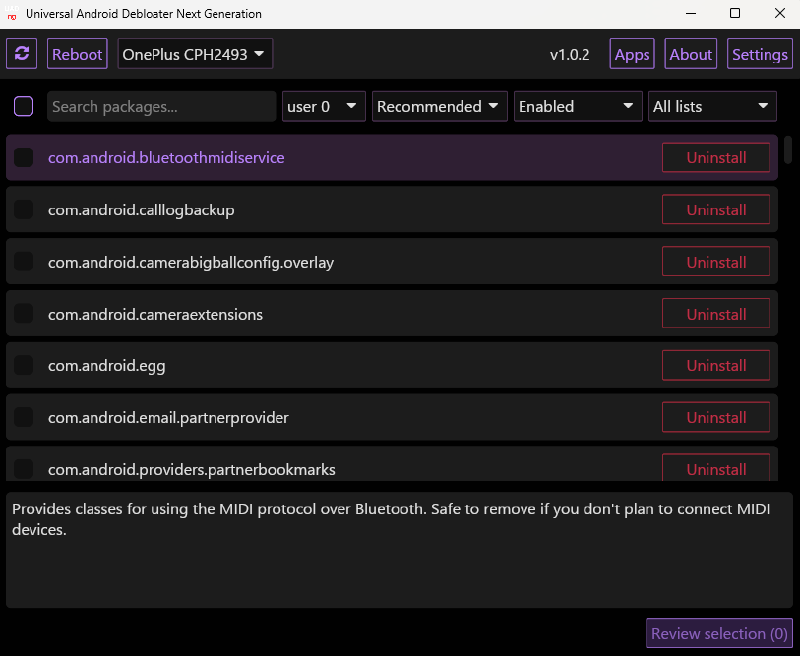
UAD-NG (Universal Android Debloater - Next Generation) is an open-source tool that allows you to uninstall pre-installed apps on your Android device using ADB. Download the latest version from the GitHub repository, connect your device to your PC and launch the tool.